
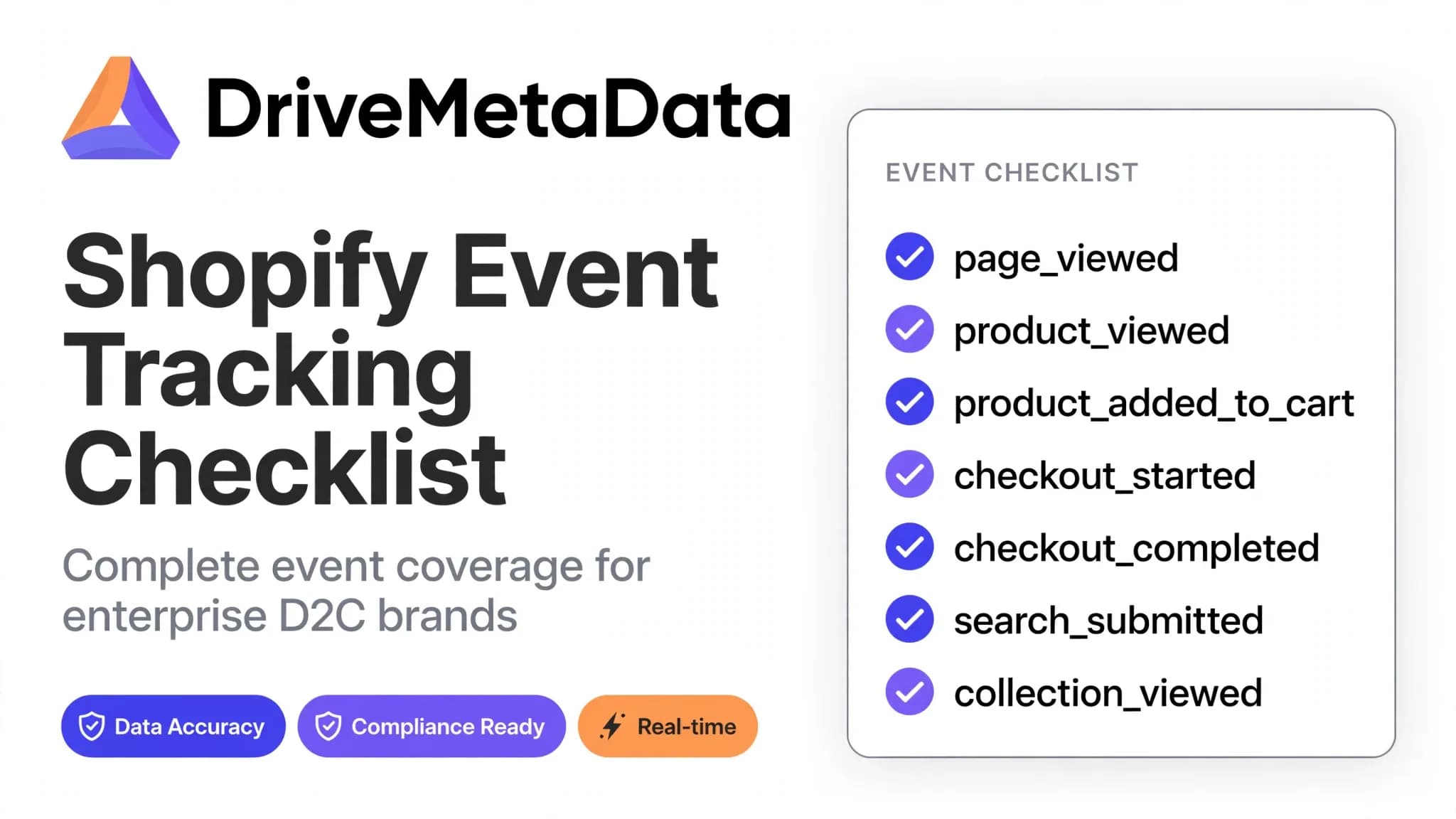
Monthly hygiene audit guidance for reliable Shopify marketing data and event tracking accuracy.
Ranjeet Ranjan
AI Executive Brief
Maintaining accurate Shopify event tracking is critical for trustworthy marketing attribution and campaign effectiveness. This checklist offers marketing operations and analytics teams a structured monthly audit process focused on key event validation, fraud detection, CRM synchronization, and KPI monitoring to sustain data quality and marketing ROI.
Marketing teams using Shopify data face operational risks from poor event tracking hygiene. Inaccurate or incomplete event data distorts attribution, misguides budget allocations, and undermines campaign decisions. As ecommerce complexity increases, tracking errors grow more common—making a disciplined monthly audit critical to maintain trustworthy data and marketing effectiveness. This article provides a practical Shopify event tracking checklist for marketers and analytics professionals, covering priority events, typical pitfalls, fraud detection methods, and essential KPIs.
The Business Risks of Poor Shopify Event Tracking Hygiene
Common Data Quality Issues in Shopify Event Tracking
Shopify event tracking often suffers from fragmentation, missing or duplicate events, inconsistent customer identifiers, and outdated or misconfigured tags. Frequent platform updates, integrations, and evolving privacy regulations contribute to these issues. Errors in checkout or subscription event tracking directly affect revenue attribution and recurring billing accuracy. Such flaws hinder confident conversion attribution, audience segmentation, and campaign performance measurement.
Impact on Marketing Attribution, ROI, and Campaign Decisions
Poor event data hygiene compromises multi-touch attribution accuracy and ROI calculations. Marketing teams may wrongly credit or omit channels, resulting in inefficient budget allocation and missed optimization opportunities. Without reliable tracking, identifying underperforming ads or customer journeys becomes impossible, inflating acquisition costs and impacting lifetime value estimates. Ultimately, this erodes trust in marketing analytics and threatens data-driven growth initiatives.
Key Shopify Events to Include in Your Monthly Tracking Audit
Checkout and Subscription Events: Accuracy Priorities
Checkout events mark transaction completions and revenue recognition, forming the foundation of conversion measurement. Subscription events track recurring revenue streams for SaaS and membership models. These events must be audited every month for completeness, accuracy, and timely firing. Verify transaction amounts, currency consistency, customer identity mapping, and ensure event triggers function correctly across desktop, mobile, and app platforms.
Other Critical Events for Multi-Touch Attribution
Complement checkout and subscription events with tracking of add-to-cart actions, product views, promotion clicks, and wishlist additions. These touchpoints provide critical context for multi-touch attribution models that assign credit across marketing channels. Audits should confirm event schema compliance, absence of duplicates, and accurate parameter values aligned with Shopify’s event standards.
Monthly Shopify Event Tracking Hygiene Checklist Framework
Step-by-Step Audit Process with Roles and Priorities
- Define audit scope focused on revenue and lifecycle-critical events: checkout, subscriptions, add-to-cart.
- Assign responsibilities: marketing ops lead event validation; analytics teams analyze anomalies; developers resolve implementation issues.
- Collect event data from tags, data layers, and backend logs for cross-referencing.
- Validate events for correct firing, parameter accuracy, and timely delivery using automated tools and manual checks.
- Assess CRM and advertising platform integrations for data consistency.
- Review fraud detection logs for suspicious volume spikes or anomalies.
- Document findings, prioritize fixes by impact, and schedule next audit cycle.
Practical Audit Table: Event Categories, Checks, and Metrics
| Event Category | Specific Checks | Responsible Role | Metrics / KPIs |
|---|---|---|---|
| Checkout | Confirm event fires on order confirmation; validate order ID, amount, currency; prevent duplicates | Marketing Ops / Analytics | Event completion rate; Duplicate event percentage; Revenue match rate |
| Subscription | Check subscription start/end events; validate recurring amounts and customer IDs | Marketing Ops / Development | Subscription event coverage; Customer ID match rate |
| Add to Cart / Product View | Verify parameters for product ID, category, price; confirm correct user action triggers | Analytics / QA | Event accuracy rate; Parameter error rate |
| CRM Sync | Check profile consistency between Shopify events and CRM; validate contact deduplication | Marketing Ops / CRM Manager | Data sync success rate; Duplicate contact rate |
| Fraud Detection | Monitor abnormal event spikes or parameter anomalies indicating fraud | Security / Analytics | Fraud alert counts; Suspicious event ratio |
Integrating CRM Sync Checks with Shopify Event Audits
Customer identity accuracy is vital for precise segmentation and personalized marketing. Conducting event hygiene audits without verifying CRM sync risks fragmented profiles and invalid audience targeting. The audit checklist should include confirming unique customer IDs, suppressing duplicates, and ensuring timely updates reflecting Shopify event adjustments. Failures in synchronization lead to misleading performance metrics and segmentation errors that undermine campaign outcomes.
Detecting and Preventing Event Data Fraud and Anomalies
Common Fraud Patterns in Shopify Event Data
Fraudsters exploit event tracking to inflate conversions via spoofed checkout events, fake subscriptions, or bogus traffic signals. Common signs include sudden conversion spikes without matching traffic increases, repeated events from identical IPs or devices, and impossible order values. Recognizing these patterns helps marketers deploy targeted detection during audits.
Tools and Techniques for Ongoing Fraud Detection
Automated anomaly detection tools that flag unusual event volumes or parameter deviations are key to maintaining data integrity. Combining real-time event tracking with AI-powered fraud detection allows continuous monitoring. Monthly audit cycles should include reviewing flagged anomalies, cross-checking CRM and sales records, and verifying suspicious events before adjusting budgets or attribution.
Measuring Success: KPIs and Metrics for Event Data Quality
Key Performance Indicators for Event Hygiene
Monitoring KPIs quantifies event data quality and guides remediation priorities. Important metrics include event completion rate (percentage of expected events fired), duplicate event ratio (share of repetitive tracked events), revenue match rate (tracked revenue versus actual sales), and fraud alert ratio (proportion of suspicious flagged events). Regular KPI monitoring exposes trends and data integrity deterioration.
How to Monitor and Report Event Tracking Quality Over Time
Create dashboards consolidating KPIs across event types and integration points. Automated alerts for KPI deviations enable immediate action. Monthly audit reports should summarize results, document unresolved issues and fixes, and assess risk levels. Sharing these reports with marketing leadership ensures alignment on tracking health and investment priorities.
| Metric | Formula / how to calculate | Source type | Freshness needed | What it proves | Caveat | Action trigger |
|---|---|---|---|---|---|---|
| Event Completion Rate | (Number of actual events fired / Number of expected events) × 100 | Tagging platform logs | Monthly | Shows completeness of key event tracking | Undefined expected event counts can distort this rate | Below 95% triggers audit and remediation |
| Duplicate Event Ratio | (Number of duplicate events / Total events) × 100 | Event management system | Monthly | Indicates duplication affecting attribution accuracy | Duplicates may be temporary due to retry mechanisms | Above 3% requires debugging |
| Revenue Match Rate | (Tracked revenue / Actual sales revenue) × 100 | Sales systems vs event data | Monthly | Validates revenue tracking accuracy | Returns or delays can affect accuracy | Below 98% prompts data reconciliation |
| Fraud Alert Ratio | (Number of fraud alerts / Total events) × 100 | Fraud detection platform | Real-time and monthly | Measures suspicious event frequency | False positives possible during traffic spikes | Above 1% triggers fraud investigation |
Illustrative Scenario: Running a Monthly Shopify Event QA Audit
Symptom, Diagnosis, Action, and Outcome
A marketing analytics team notices revenue discrepancies between Shopify reports and CRM sales, prompting questions about checkout data accuracy. The monthly audit samples event data and replays events to verify firing. Duplicate checkout events causing inflated revenue are uncovered, traced to a duplicated tag from a recent app update. After removing the duplicate and fixing tag implementation, revenue tracking aligns with CRM data. KPIs such as duplicate event ratio drop from 5% to under 1%, and revenue match rate improves from 93% to 99%, restoring trust in campaign attribution.
How DriveMetaData Supports Shopify Event Hygiene and Marketing Intelligence
Real-Time Event Tracking and Anomaly Alerts
DriveMetaData enables marketing and analytics teams to conduct automated monthly event hygiene audits designed for Shopify merchants. Continuous event monitoring detects anomalies early, supporting proactive corrections before compromised data impacts attribution or campaign decisions.
Identity Resolution and CRM Data Sync Automation
DriveMetaData’s identity resolution and CRM synchronization unify customer data across Shopify and sales platforms. This reduces fragmented profiles that hinder segmentation and personalization, crucial for accurate revenue attribution and effective customer engagement.
AI-Powered Fraud Detection and Campaign Analytics
AI-driven fraud detection continuously analyzes event streams for anomalies and suspicious patterns, mitigating risks of inflated conversion tracking and wasted marketing spend. Campaign analytics help optimize budget allocation within evolving privacy and attribution landscapes.
Next Steps: Running Your Own Event Quality Review
FAQ
Why is regular Shopify event tracking audit necessary?
Continuous updates to the business, apps, and privacy regulations cause tracking drift and data issues. Regular audits detect and fix these early, ensuring accurate attribution, personalized experiences, and efficient budget use.
Which Shopify events should be prioritized in an audit?
Checkout and subscription events are top priority due to direct revenue impact. Add-to-cart, product views, and promotion clicks also matter for journey insights and multi-touch attribution.
How can CRM sync integration impact Shopify event data quality?
CRM sync combines Shopify event data with sales profiles. Broken or duplicate syncs lead to fragmented customer segments, inaccurate personalization, and conversion tracking errors that hinder campaign effectiveness.
What signs indicate fraud in Shopify event tracking data?
Indicators include sudden unexplained spikes in conversions, duplicate orders from the same IP, impossible order amounts, and inconsistent event parameters. Early detection prevents budget waste and misattribution.
Are there automated tools that assist with Shopify event hygiene audits?
Yes, platforms with real-time monitoring, anomaly detection, and AI-powered fraud detection can automate many audit tasks, enabling efficient ongoing oversight without heavy manual effort.
A disciplined monthly Shopify event hygiene audit protects marketing ROI by preventing data quality erosion. Start audits by prioritizing checkout and subscription events, include CRM sync health checks, and implement continuous fraud monitoring. Use KPIs to track tracking health and prioritize corrective actions. Regular, systematic audits build confidence in data-driven marketing and help avoid costly budget misallocations.
Attribution Audit
Find the gaps hiding in your attribution data.
Get a focused audit of campaign tracking, ROAS signals, and conversion paths before media spend leaks into blind spots.
Related Blogs
More from our insights
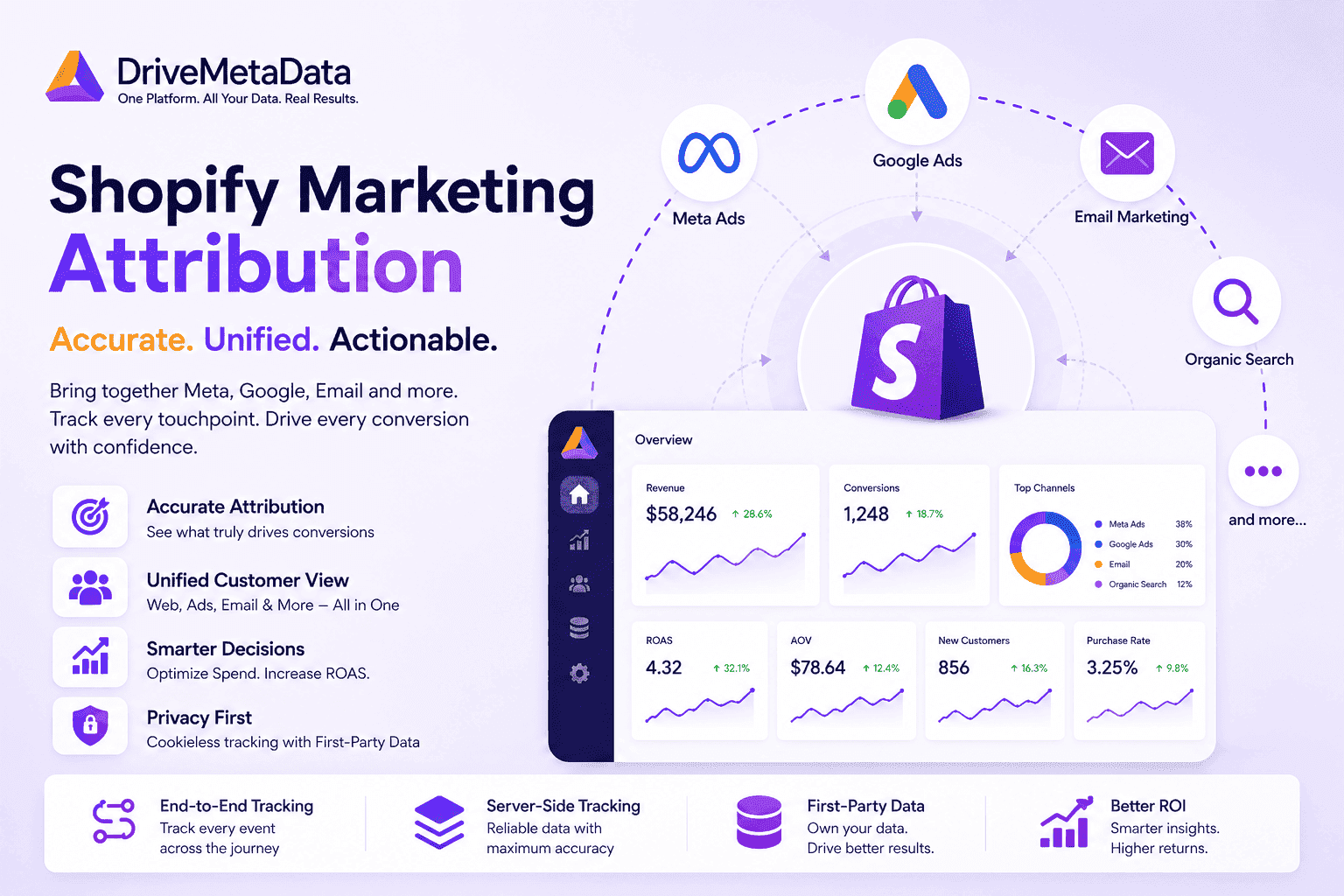
Shopify Marketing Attribution Across Meta, Google Ads, and Email: A Revenue Truth Framework
Customer Data Platform · 11 min read
Shopify Customer Journey Attribution: Multi-Touch Models & Repeat Order Tracking
Customer Data Platform · 6 min read
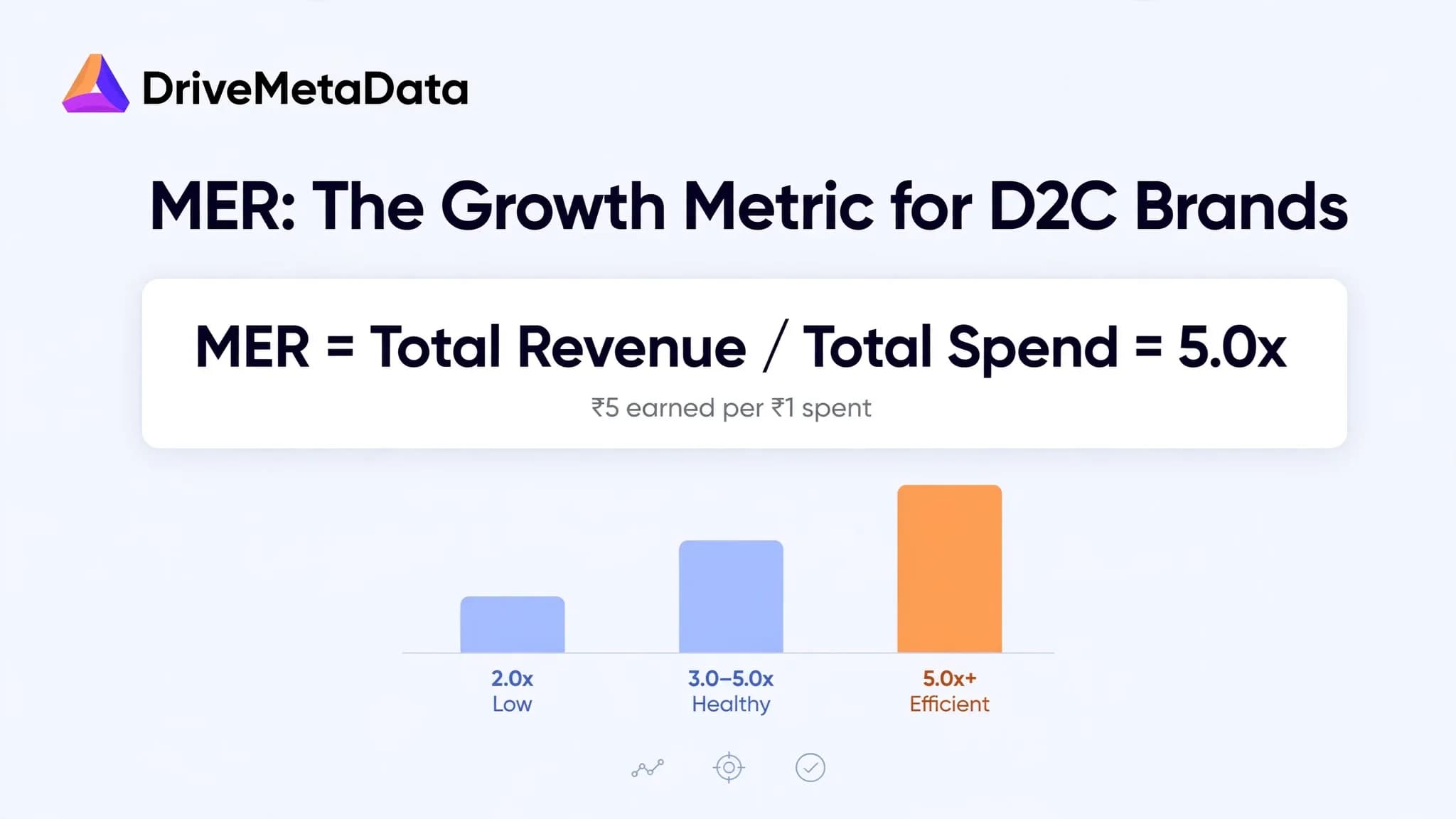
Marketing Efficiency Ratio (MER) Needs A Warning Label For D2C Growth
Customer Data Platform · 8 min read